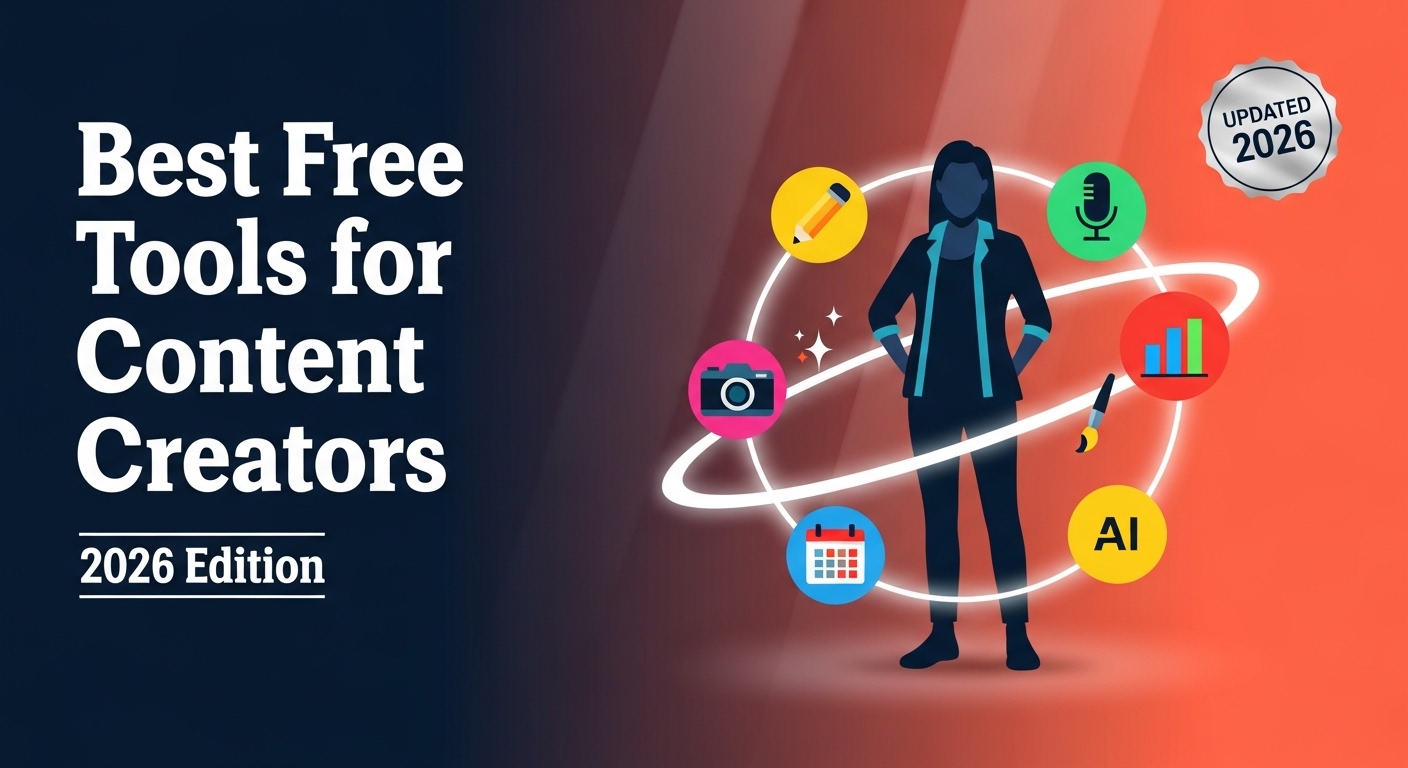
Summary: Whether you are a solo blogger, a YouTube creator, a social media manager, or a full-stack digital marketer, finding the right free tools can be the difference between grinding for hours and producing polished, high-performing content in a fraction of the time. This comprehensive guide covers the best free tools for content creators in 2026 — spanning writing and editing, graphic design, video production, SEO, scheduling, analytics, audio, and productivity — along with actionable tips on how to integrate them into a seamless, cost-effective creative workflow.
Outline
Best Free Tools for Content Creators (2026 Edition): The Complete Guide
- Why Free Tools Matter More Than Ever for Content Creators in 2026
- Best Free Writing and Content Editing Tools
- Best Free Graphic Design Tools
- Best Free Video Creation and Editing Tools
- Best Free SEO and Keyword Research Tools
- Best Free Social Media Scheduling and Management Tools
- Best Free Analytics and Performance Tracking Tools
- Best Free Audio and Podcast Tools
- Best Free Productivity and Workflow Tools for Creators
- Best Free AI-Powered Tools for Content Creators in 2026
- Common Technical Challenges and How to Solve Them
- Building a Complete Free Content Creator Stack in 2026
- Conclusion
Why Free Tools Matter More Than Ever for Content Creators in 2026
The content creation landscape has undergone a seismic shift. With AI-assisted content production, short-form video dominance, and multi-platform distribution now the norm, creators are expected to do more — write, design, film, edit, optimize, schedule, and analyze — often without a dedicated team or budget.
Free tools have matured significantly. What was once limited to basic functionality is now packed with professional-grade features. In 2026, the gap between free and paid tools has narrowed dramatically, and smart creators are leveraging free-tier software to run entire content operations worth thousands of dollars per month in hypothetical subscription costs.
The creator economy is projected to surpass $500 billion globally, yet the majority of individual creators operate on lean budgets. Free tools are not a compromise — in 2026, many of them are genuinely best-in-class for specific use cases.
The Real Cost of Content Creation
Beyond subscriptions, creators face hidden costs: time spent on repetitive tasks, lack of consistency across platforms, and slow feedback loops. Choosing the right free tools addresses all three — by automating repetitive processes, maintaining brand consistency through templates, and providing real-time performance data — all without touching your budget.
When you factor in the hours saved through smart automation, a well-chosen free tool can be worth far more than its premium counterpart. The opportunity cost of a slow, clunky tool is real. Every hour wasted on inefficient software is an hour not spent creating, distributing, or engaging with your audience.
How to Evaluate a Free Tool
Not all free tools are created equal. When evaluating any platform, ask yourself: Does it have a generous free tier with no intrusive watermarks? Is the learning curve manageable for a solo creator? Does it integrate naturally with the other tools in your stack? Does it export in standard, universally accepted formats? Is the company financially stable enough that the free tier will continue to exist? The tools featured in this guide score highly across all these dimensions.
Best Free Writing and Content Editing Tools
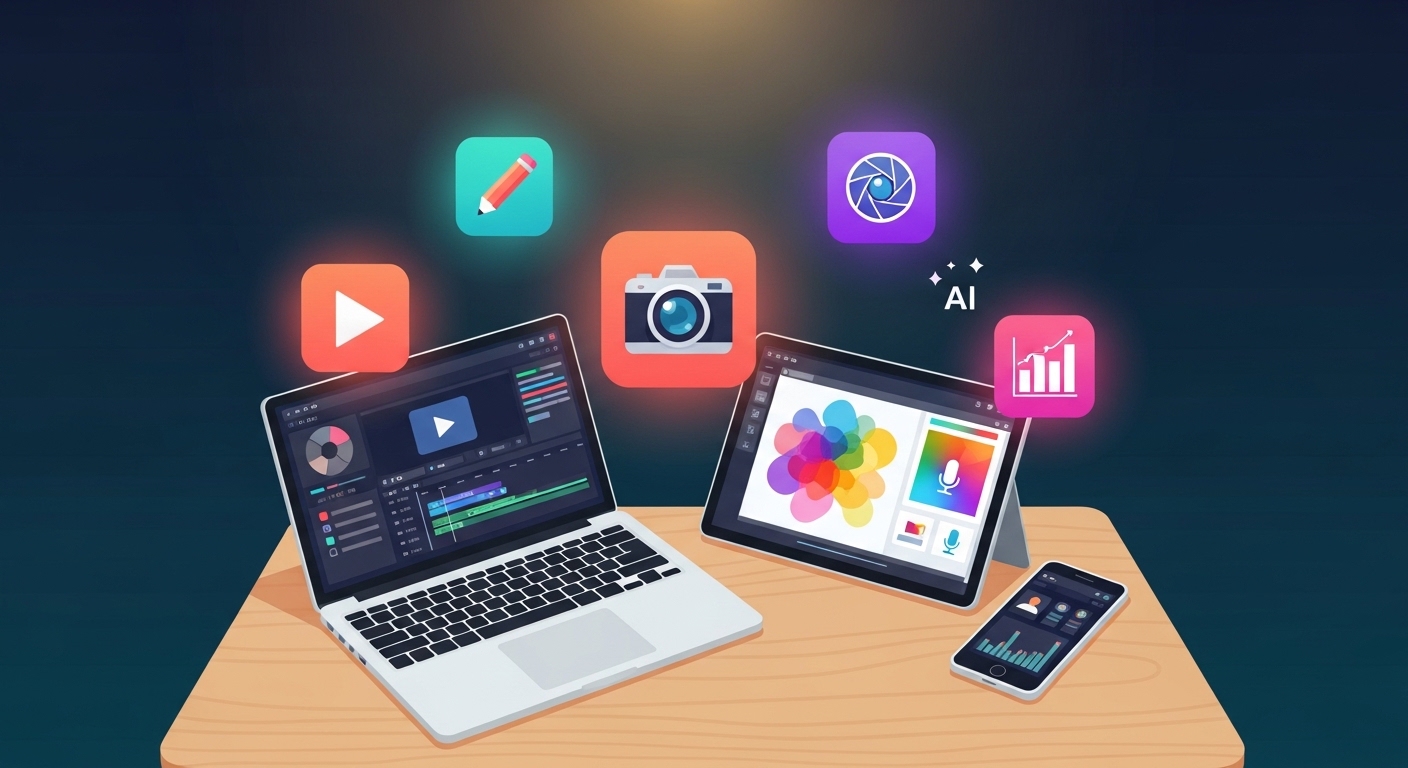
Good writing is the foundation of effective content. Whether you are drafting a long-form blog post, scripting a YouTube video, or writing social media ad copy, these tools help you produce clear, compelling, and error-free text consistently.
Google Docs
Google Docs remains the gold standard for free collaborative writing in 2026. Its real-time collaboration, automatic version history, built-in voice typing, and seamless cloud storage make it indispensable for individual creators and teams alike. The built-in Explore feature — powered by Google’s AI — helps creators research topics, find relevant data, and pull in citations without ever leaving the document window.
For content teams managing editorial workflows, the commenting, suggesting, and assignment features rival paid editorial tools. The ability to share a document with a client, receive tracked-change feedback, and publish directly to WordPress via add-ons makes Google Docs a genuinely complete writing environment.
Grammarly Free
Grammarly’s free tier checks grammar, spelling, punctuation, and basic clarity issues directly in your browser, desktop app, and within integrated platforms. For content creators, it functions as a constant first-pass proofreader, catching embarrassing errors before they reach a live audience. It integrates with Google Docs, WordPress, Gmail, and most content management systems, making it frictionless to incorporate into any existing workflow.
The free tier’s tone detection feature is particularly useful — it flags when your writing comes across as overly formal, passive, or aggressive relative to your intended audience, which is a powerful NLP-derived signal for improving content effectiveness.
Hemingway Editor
Named after the famously economical writer, the Hemingway Editor analyses your writing for readability using colour-coded highlights. It identifies complex sentences, overuse of passive voice, excessive adverbs, and phrases with simpler alternatives — all of which are NLP-identified markers of low-readability content. The free web version at hemingwayapp.com requires no account and is particularly valuable for blog content targeting a broad or general audience. Aim for a Hemingway Grade 6–8 reading level for maximum accessibility.
Copy.ai and ChatGPT Free Tiers
AI writing assistants have become table stakes for content creators. Both Copy.ai and ChatGPT’s free tiers allow creators to generate blog outlines, social media captions, email subject lines, content briefs, product descriptions, and repurposed variations at significant speed. The essential skill is using these as ideation and first-draft acceleration tools, not as finished output — your own expertise, voice, and editorial judgment are what differentiate your content in an AI-saturated landscape.
Best Free Graphic Design Tools
Visual content drives engagement across every platform. Scroll-stopping graphics, professional thumbnails, and on-brand social assets are no longer optional — they are the minimum threshold for standing out. These free design tools give creators the ability to produce high-quality visuals without a background in graphic design.
Canva Free
Canva’s free tier is one of the most powerful free tools available to any content creator, full stop. It offers thousands of professionally designed templates across every content format — social posts, YouTube thumbnails, blog banners, infographics, presentations, email headers, and more. The drag-and-drop interface, extensive element library, and collaboration features make it accessible even for complete beginners.
In 2026, Canva’s free tier includes a built-in AI background remover (with usage limits), a text-to-image generator (limited daily generations), and a Magic Write AI text tool. These AI features alone make the free tier extraordinarily valuable. The only significant limitation on the free plan is the absence of the full Brand Kit, which locks certain font and color customization features behind the Pro paywall.
Adobe Express Free
Adobe Express competes directly with Canva and excels at producing clean, minimalist branded visuals quickly. The free tier includes access to thousands of templates, Adobe Fonts, and a basic video creation and animation tool. If your brand aesthetic leans toward clean typography and restrained design, Express tends to produce more polished results by default. Creators already embedded in the Adobe ecosystem — using Lightroom or Premiere Rush free tiers — will find Express integrates naturally.
GIMP
For creators who need pixel-level control without paying for Adobe Photoshop, GIMP (GNU Image Manipulation Program) is the answer. It is a fully open-source, professional-grade image editor supporting layers, layer masks, advanced selection tools, custom brushes, and RAW file formats through the UFRAW plugin. The learning curve is meaningfully steeper than Canva or Express, but the creative ceiling is dramatically higher. GIMP is particularly valuable for product creators, photographers, and creators who produce custom digital assets regularly.
Vectr
Vectr is a free, browser-based vector graphics editor ideal for creating logos, icons, and scalable graphics that need to look sharp at any size. It supports real-time collaboration and exports to SVG and PNG, making it a solid free alternative to Adobe Illustrator for basic to intermediate vector work. For creators building a personal brand from scratch, Vectr is the tool to use for designing a logo before you can afford professional design software.

Best Free Video Creation and Editing Tools
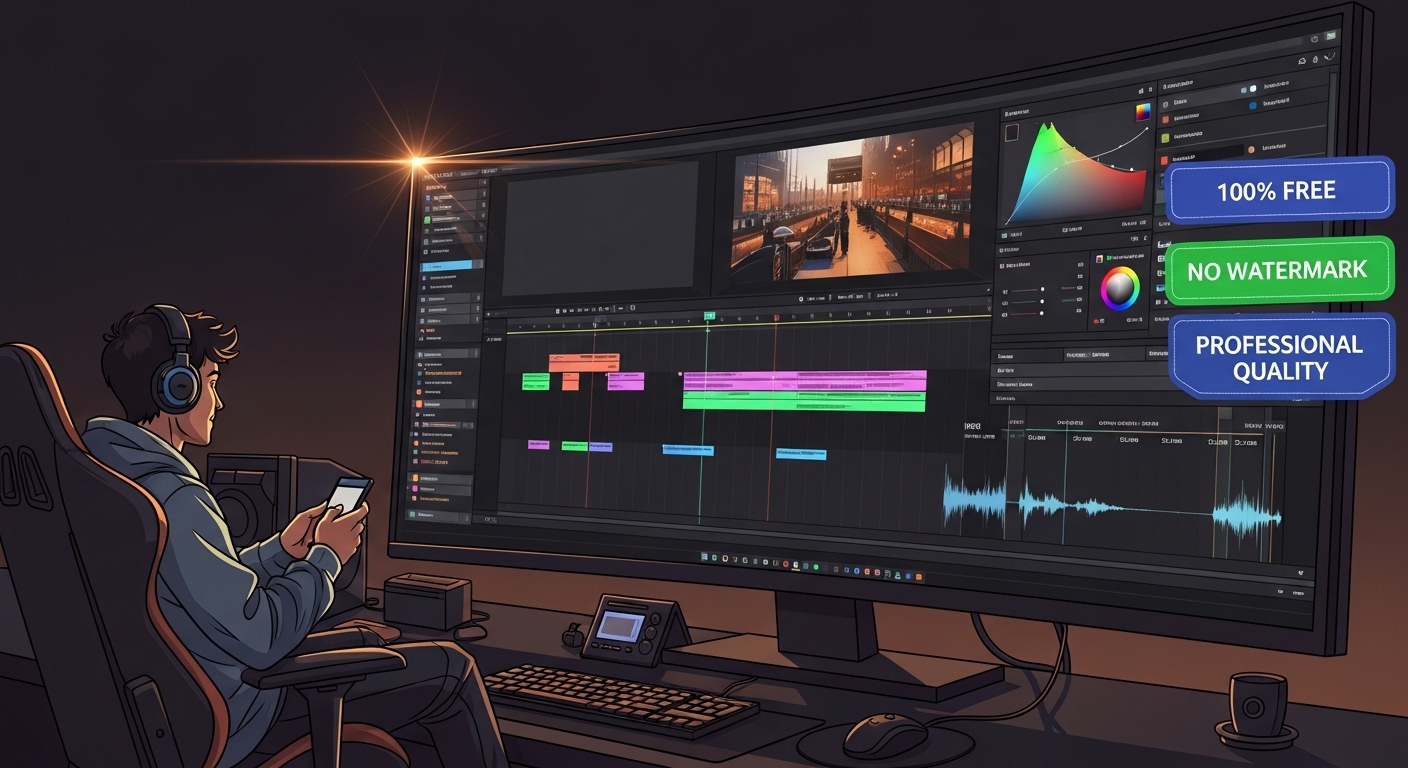
Video is the dominant content format in 2026. YouTube, TikTok, Instagram Reels, LinkedIn Video, and YouTube Shorts collectively represent the majority of organic content consumption online. These free tools help creators produce, edit, and publish video content at a professional standard without a budget.
DaVinci Resolve Free
DaVinci Resolve’s free version is arguably the most powerful free video editor in existence — no caveats required. It offers professional-grade colour grading tools used in major Hollywood productions, a full digital audio workstation (Fairlight), visual effects compositing (Fusion), and a fully featured multi-track editing timeline. The only meaningful limitations of the free version relative to Resolve Studio are the absence of certain AI-powered noise reduction tools and the inability to export in some proprietary formats. For YouTube, Vimeo, and social media publishing, the free version covers everything.
CapCut
CapCut has become the go-to free editor for short-form video creators, particularly those producing content for TikTok, Instagram Reels, and YouTube Shorts. Its auto-captioning (with high accuracy), trending audio library, AI background removal, speed ramping, and one-click templates make producing compelling vertical video extremely fast. In 2026, CapCut’s AI tools for auto-highlight generation, face tracking, and style transfer remain available on its free desktop and mobile tiers, making it an exceptional value.
Kdenlive
Kdenlive is a free, open-source video editor for desktop that competes seriously with mid-tier paid options for long-form content production. It supports multi-track timelines, proxy editing for smooth playback of 4K footage on lower-spec machines, keyframe animation, and a broad library of video transition effects. It is particularly popular among YouTube creators who produce longer-form educational, documentary-style, or commentary content and need a stable free editing environment.
Clipchamp (Free via Microsoft)
Clipchamp, now integrated into Windows 11 and freely available via Microsoft accounts, offers a browser-based video editing experience with templates, licensed stock video and audio, and a text-to-speech feature that supports multiple languages and voices. For creators already in the Microsoft ecosystem, it is the most frictionless path from raw footage to a publishable cut without installing additional software.
Best Free SEO and Keyword Research Tools
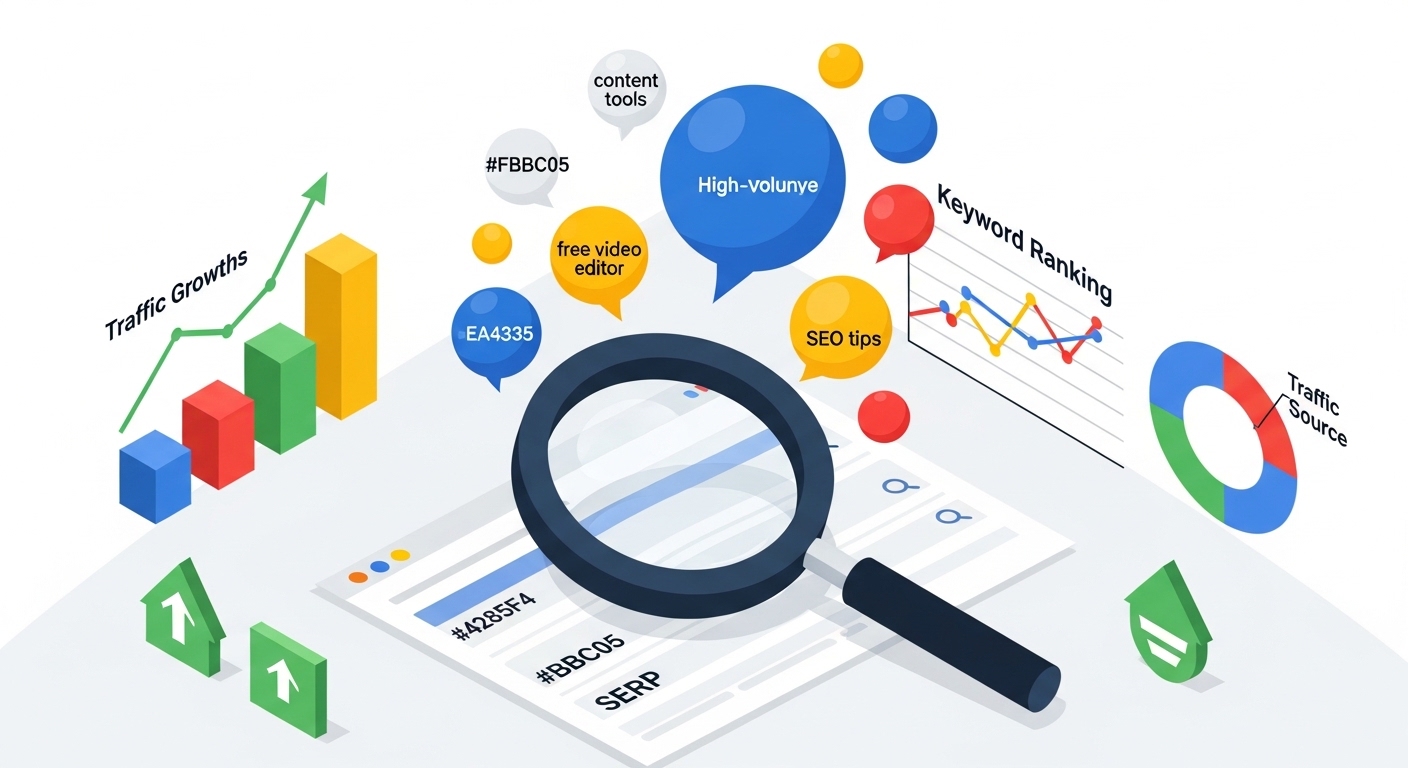
Creating content that ranks in search engines requires a clear understanding of what your audience is actually searching for, how competitive those queries are, and whether your content aligns with search intent. These free SEO tools give creators the insights needed to optimize every piece of content for organic discovery.
Google Search Console
Google Search Console is the single most authoritative free SEO tool available to any website owner. It shows you the exact queries bringing users to your site, your average position for each keyword, click-through rates by query and page, indexing status, mobile usability issues, and Core Web Vitals performance data. Every content creator with a website should have GSC configured from the first day of launch — the data it provides is irreplaceable for understanding organic search performance.
Ubersuggest Free
Neil Patel’s Ubersuggest offers a generous free tier that includes keyword suggestions, monthly search volume estimates, keyword difficulty scores, CPC data, and a basic competitor analysis tool. Its Content Ideas feature is particularly valuable — it shows which articles are performing best for any domain based on backlinks and social shares, making it a powerful tool for identifying content gaps in your niche and discovering LSI keyword opportunities you had not considered.
AnswerThePublic
AnswerThePublic visualizes the questions, prepositions, comparisons, and alphabetical variations people use around any keyword or topic. This is an invaluable tool for understanding the full spectrum of user search intent and identifying long-tail keyword opportunities that are often lower competition and highly specific. The free tier allows a limited number of daily searches, which is generally sufficient for independent creators conducting regular keyword research sessions.
Google Trends
Google Trends is a completely free tool that reveals the relative search popularity of any query over time and across geographic regions. For content creators, it is essential to identify trending topics before they reach peak search volume, understand seasonal fluctuations in topic interest, and compare the relative appeal of different keyword angles before committing to a content piece. The “Related Queries” section often surfaces rising breakout topics that represent genuine first-mover opportunities.
Yoast SEO Free Plugin
For WordPress users, Yoast SEO’s free plugin provides real-time on-page optimization guidance, readability scoring using Flesch-Kincaid analysis, XML sitemap generation, breadcrumb navigation support, and meta tag management directly within the post editor. Its traffic light system (red/orange/green indicators) makes SEO optimization accessible to non-technical creators, guiding them to improve title tags, meta descriptions, keyword density, internal linking, and content length in real time.
Best Free Social Media Scheduling and Management Tools
Consistency is the cornerstone of social media audience growth. Showing up reliably — at the right times, on the right platforms, with the right content — is only sustainable with scheduling tools that remove the need to post manually every day.
Buffer Free
Buffer’s free plan allows creators to connect up to three social media channels and schedule up to 10 posts per channel at any given time. Its clean, distraction-free interface, browser extension for quick link sharing, and basic post analytics make it the top choice for solo creators managing a focused platform presence. The post performance analytics — showing impressions, reach, clicks, and engagement per post — are available even on the free tier, giving creators the data they need to refine their content strategy.
Later Free
Later specializes in visual content scheduling, particularly for Instagram and Pinterest. Its free tier includes a visual drag-and-drop content calendar, scheduled posting, a basic link-in-bio page, and 30 posts per profile per month. The ability to visually preview your Instagram grid layout before publishing is a standout feature for brand-conscious creators who maintain a curated aesthetic. Later also offers hashtag suggestion features on its free tier.
Meta Business Suite
Meta Business Suite is completely free and allows creators and businesses to schedule, publish, and analyse content across Facebook Pages and Instagram accounts simultaneously. The integrated inbox, comment management, and ad management tools make it a comprehensive free solution for creators whose primary audience lives within the Meta ecosystem. The insights available — including audience demographics, reach, impressions, and engagement rate — are among the most detailed available free of charge.
Best Free Analytics and Performance Tracking Tools
Data-driven content creation is not optional in 2026 — it is the baseline expectation for any creator who wants to grow intentionally rather than by luck. These free analytics tools help you understand precisely what is working, what is not, and where to focus your creative energy next.
Google Analytics 4
Google Analytics 4 is the industry-standard free web analytics platform. It tracks pageviews, user sessions, traffic sources, average engagement time, scroll depth, conversion events, and detailed audience demographics, including interests, devices, and geographic distribution. For content creators with websites or blogs, GA4 is indispensable for understanding which content drives the most qualified traffic and which sources deliver the highest-value readers. Pairing GA4 with Google Search Console creates a complete picture of both on-site behavior and organic search performance.
YouTube Studio Analytics
YouTube Studio’s built-in analytics dashboard is completely free for all channel owners and provides an extraordinary level of detail. Creators can track views, watch time, subscriber growth, estimated revenue, thumbnail click-through rate, audience retention curves down to the second, and traffic source breakdown. The audience retention graph is particularly transformative for improving content quality — it reveals exactly where viewers drop off in each video, enabling precise, data-informed editing and pacing decisions.
Metricool Free
Metricool’s free tier aggregates analytics from multiple platforms — including Instagram, TikTok, Twitter/X, LinkedIn, YouTube, Facebook, Pinterest, and Google Business Profile — into a single unified dashboard. For multi-platform creators, this consolidation alone saves significant time. The free tier also includes a basic best-time-to-post recommendation engine and a content planning calendar, making it a genuine all-in-one analytics and planning tool for creators managing multiple channels simultaneously.
Best Free Audio and Podcast Tools
Audio quality is a non-negotiable element of professional content. Poor audio in a video or podcast signals low production value to audiences and causes listener fatigue. These free tools help creators record, edit, and distribute high-quality audio without financial investment.
Audacity
Audacity is the most widely used free audio editor in the world, and for good reason. It supports multi-track recording and editing, noise reduction, click removal, dynamic compression, equalization, normalization, and a wide library of community-developed effects and plugins. For podcast producers, voiceover creators, and musicians recording demos, Audacity provides everything needed to produce broadcast-quality audio output. It is completely free, open-source, and available on Windows, macOS, and Linux. For comprehensive guides on audio production workflows and podcast craft, Transom is one of the most authoritative independent resources for audio storytellers.
GarageBand (Mac and iOS)
For Apple device users, GarageBand is a free, fully featured digital audio workstation that Apple includes with every Mac and iOS device. It includes professional-quality virtual instruments, a vast library of Apple Loops, multi-track recording, and podcast-optimized templates with EQ and compression presets. Many professional musicians, podcasters, and content creators use GarageBand as their primary production environment — its quality ceiling is significantly higher than its free price tag suggests.
Buzzsprout Free Tier
Buzzsprout offers a free podcast hosting tier that allows creators to upload up to two hours of audio content per month, with episodes hosted and publicly accessible for 90 days. Episodes are automatically distributed to major directories, including Spotify, Apple Podcasts, Amazon Music, and iHeartRadio. For new podcasters validating a format or testing audience response before committing to paid hosting, Buzzsprout’s free tier is the most frictionless path to distribution.
Best Free Productivity and Workflow Tools for Creators
Behind every high-output content creator is a system — a set of tools and processes that keeps ideas captured, deadlines respected, and workflows running without bottlenecks. These free tools build that organizational backbone.
Notion Free
Notion’s free plan is one of the most generous in the productivity space and has become the central operating system for thousands of independent content creators. Creators use it as a content calendar, idea capture database, editorial workflow tracker, brand guideline document, standard operating procedure repository, and client management system — all within a single workspace. Its flexible, block-based interface adapts to virtually any creative workflow, and its database features allow creators to track content status, publication dates, target platforms, assigned writers, and performance metrics in deeply interconnected views.
Trello Free
Trello’s Kanban-style board interface is ideal for visualizing a content production pipeline at a glance. Cards representing individual pieces of content move through columns — from “Idea” to “Research” to “In Production” to “Review” to “Published” — with a simple drag. Attachments, due dates, checklists, and labels can be added to each card. For small content teams and solo creators who think visually, Trello provides immediate clarity on the status of every active project without the complexity of heavier project management platforms.
Google Calendar
Often overlooked specifically as a content creation tool, Google Calendar is essential for maintaining a consistent publishing schedule in practice. Content planning only works if time is actually blocked for execution. Scheduling dedicated blocks for research, writing, filming, editing, and review ensures that content production receives protected time in your week rather than being squeezed into leftover moments. Integrated with Buffer or Later for scheduling visibility, a well-maintained Google Calendar becomes your single source of truth for your entire content operation.
Track Your Work Hours
Understanding exactly how long different content types take to produce has profound practical implications — for pricing freelance content services, for identifying the most time-efficient content formats, and for building a realistic weekly production schedule. Using a dedicated tool to Calculate Work Hours Online helps you understand precisely where your time goes and identify the biggest productivity bottlenecks in your creative process. Creators who track their hours consistently discover which content types deliver the best return on time invested, enabling smarter decisions about their content mix.
Best Free AI-Powered Tools for Content Creators in 2026
Artificial intelligence has transitioned from novelty to necessity in the content creation toolkit. The most effective creators in 2026 are not those who resist AI but those who integrate it strategically — using it to handle repetitive cognitive tasks while reserving their human creativity and expertise for the work that genuinely requires it.
Claude AI (Anthropic) Free Tier
Claude offers advanced reasoning, nuanced long-form writing capability, and sophisticated content analysis on its free tier. Content creators use it for brainstorming content angles, drafting detailed outlines, writing first drafts in a specified tone and style, repurposing existing content across formats (turning a blog post into a newsletter, social captions, or a video script), summarizing research documents, and generating title and headline options. Claude’s ability to maintain a consistent voice and follow complex stylistic instructions across long-form content makes it particularly valuable for bloggers, copywriters, and content strategists.
Runway ML Free
Runway’s free tier provides access to AI-powered video tools, including background removal, inpainting for object removal from video, and text-to-video generation with a limited monthly credit allocation. For video creators looking to add cinematic effects, clean up footage, or experiment with AI-generated visual sequences without expensive post-production workflows, Runway significantly lowers the technical and financial barrier.
ElevenLabs Free Tier
ElevenLabs offers free AI voice cloning and text-to-speech conversion with a monthly character limit of 10,000 characters on its free plan. The voice quality is remarkably natural, with accurate prosody and emotional range. For video creators, online course producers, and educational content creators, AI-generated voiceovers can dramatically accelerate production timelines — particularly for explainer videos, narrated slideshows, and course modules where recording studio-quality voiceover is otherwise time-consuming.
Adobe Firefly Free Credits
Adobe Firefly’s generative AI image tools — including text-to-image generation, generative fill for expanding or modifying images, and text effects — are available with a monthly allotment of free generative credits. Critically, all images generated through Firefly are trained on licensed Adobe Stock content, making them commercially safe for monetized content use. For creators who need custom, unique visuals for sponsored content, merchandise, or commercial campaigns, Firefly’s free credits provide genuine commercial value.
Common Technical Challenges and How to Solve Them
Even with the best free tools in your stack, creators inevitably encounter technical friction. Understanding how to resolve common issues quickly keeps production moving and prevents technical problems from becoming creative blockers.
File Upload and Format Issues
Uploading images, videos, and documents to content platforms — WordPress, Squarespace, social media, email service providers — frequently runs into errors caused by incorrect file formats, files that exceed platform size limits, corrupted metadata, or misconfigured server settings. These errors are among the most common and most disruptive technical problems content creators face. For a comprehensive walkthrough of diagnosing and resolving these issues, the guide on How to Fix Image Upload Errors covers the most frequent causes and provides step-by-step solutions for creators across all major content platforms.
Storage and Cloud Backup
Free storage fills up with alarming speed when you are working with high-resolution video files and large asset libraries. The solution is a strategic multi-service approach: use Google Drive (15GB free) for documents, scripts, and brand assets; Mega (20GB free) for larger media files; and pCloud’s free tier for additional redundancy. Maintain a three-copy backup discipline — one local copy on your primary drive, one cloud backup, and one external hard drive backup stored separately. Losing a raw video file to a drive failure with no backup is one of the most painful and avoidable losses a creator can experience.
Bandwidth and Export Settings
Exporting video at incorrect settings is one of the most consistent mistakes made by new video creators. For YouTube, export at 1080p or 4K in H.264 (or the more efficient H.265) at a minimum bitrate of 8 Mbps for 1080p content. For TikTok and Instagram Reels, export at 1080×1920 (vertical 9:16 ratio) at high quality. For Facebook and LinkedIn, 1080p horizontal at moderate compression works well. Always check the specific platform’s recommended upload specs before finalizing your export settings, as they are updated periodically.
Building a Complete Free Content Creator Stack in 2026
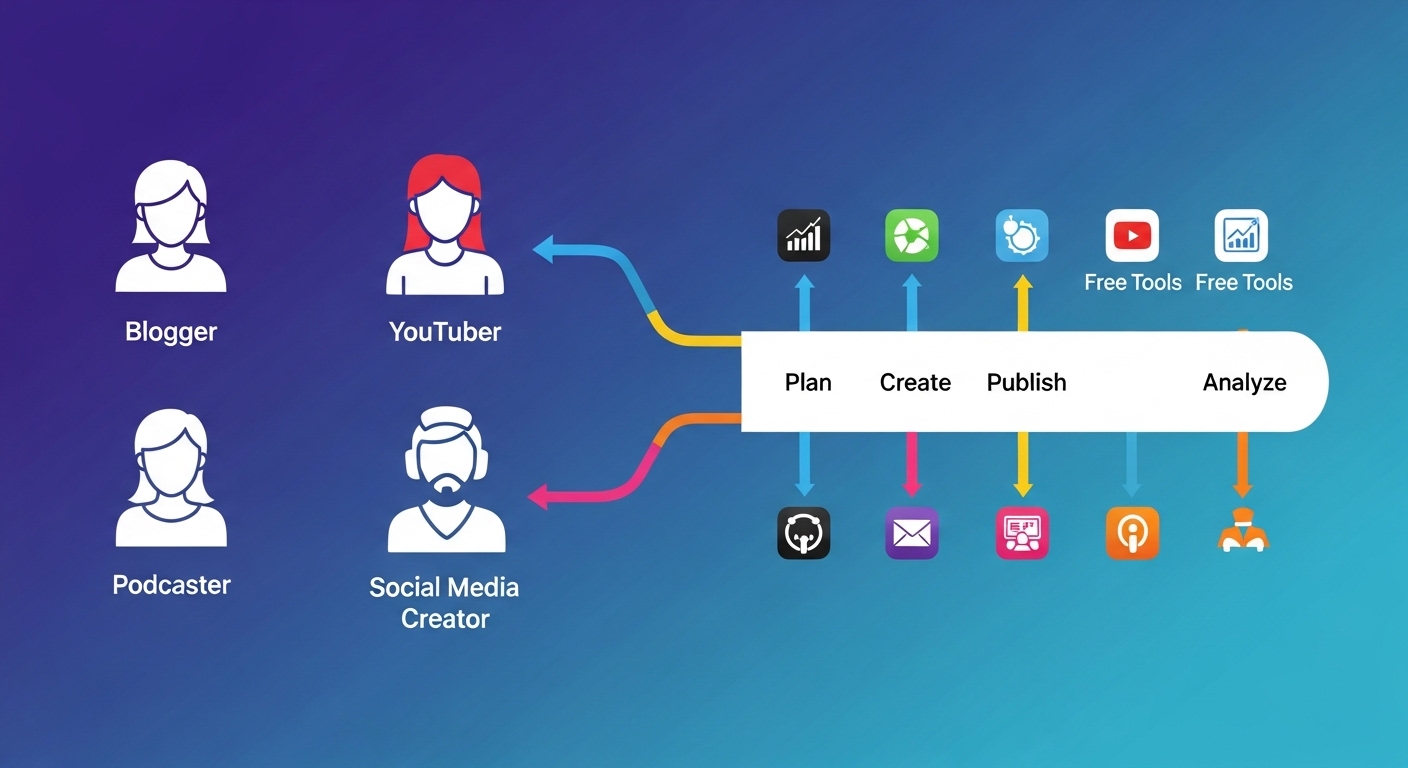
The real power of free tools emerges not from any single application but from combining multiple tools into a coherent, integrated workflow. Here is a practical recommended stack for the four most common creator archetypes.
The Solo Blogger
Google Docs for writing, Grammarly Free for proofreading, Hemingway Editor for readability optimization, Canva Free for featured images and social graphics, Yoast SEO for on-page optimization, Google Search Console and GA4 for performance tracking, Ubersuggest for keyword research, and Notion for content calendar and idea management. This stack requires zero financial investment and covers every phase of a complete blogging workflow from idea to analysis.
The YouTube Creator
DaVinci Resolve for long-form editing, CapCut for Shorts and repurposed clips, Canva for thumbnails, Audacity for audio post-processing and cleanup, YouTube Studio Analytics for performance data, Google Trends for trending topic identification, and Trello for video production pipeline management. The combination of DaVinci Resolve and CapCut covers both long and short-form video needs entirely within the free tier.
The Social Media Creator
Canva Free for static graphics and carousels, CapCut for video and Reels, Later or Buffer for scheduling, Metricool for cross-platform analytics, AnswerThePublic for content angle research, and Notion for weekly content calendar management. This stack keeps a creator organized and consistently publishing across Instagram, TikTok, LinkedIn, Pinterest, and Twitter/X simultaneously.
The Podcaster
Audacity for recording and multi-track editing, GarageBand (Mac users) for music beds and production polish, Buzzsprout’s free tier for distribution to major directories, Google Docs for episode scripts and show notes, Claude AI for guest research and question preparation, and Canva for podcast cover art and episode audiogram graphics.
Conclusion
The creator economy in 2026 is more democratized than at any point in history. The best free tools for content creators — spanning writing and editing, graphic design, video production, SEO and keyword research, social media scheduling, performance analytics, audio production, AI-powered creation, and workflow productivity — now give independent creators genuine access to the same capabilities that were once reserved for large media companies and well-funded marketing teams. The key to success is not collecting as many tools as possible, but curating a focused, integrated stack that aligns precisely with your content format, your audience’s platform preferences, and your own creative workflow. Start with the foundational essentials, develop genuine fluency in each one, and expand your toolkit deliberately as your content operation grows in complexity and scale. With the right free tools, a systematic creative process, and consistent execution, there is no meaningful ceiling on what a single dedicated creator can produce, publish, and grow in 2026.