Summary
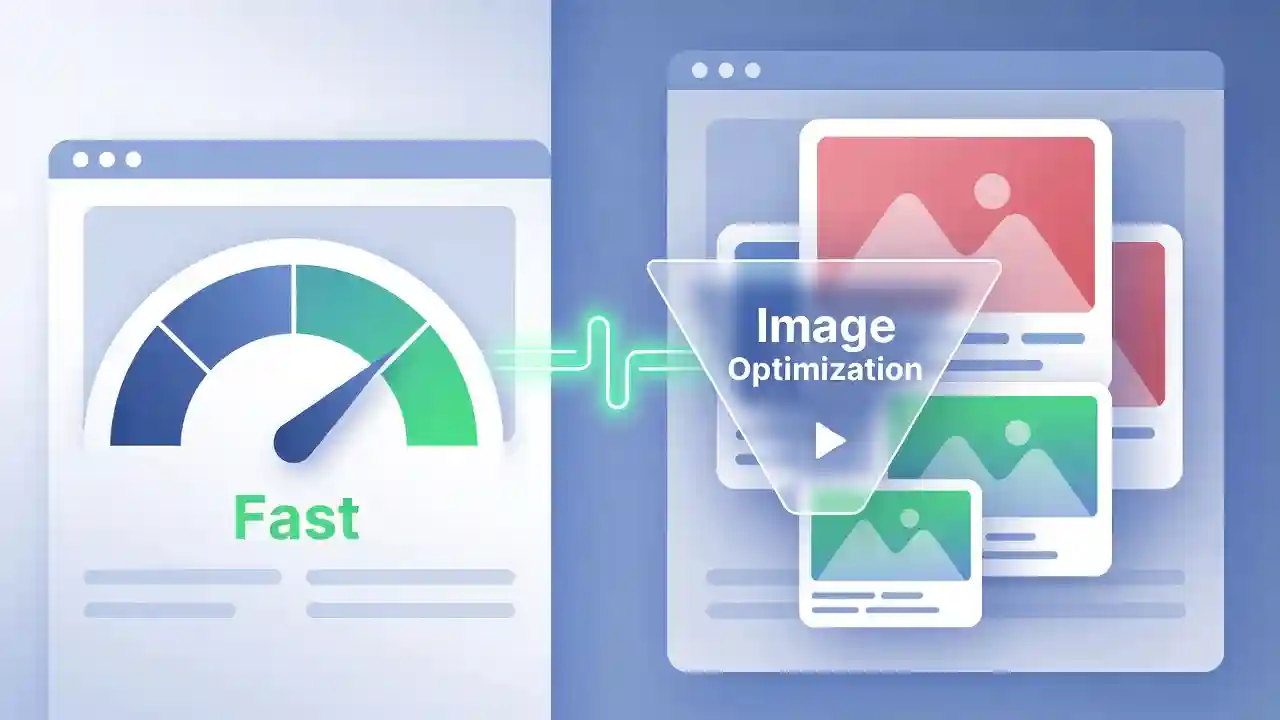
Page speed is one of the most important ranking and user-experience factors for any website, and images are often the biggest contributors to slow loading times. Optimized Images Improve Page Speed by reducing file sizes, improving rendering times, and enhancing Core Web Vitals scores such as Largest Contentful Paint (LCP) and Cumulative Layout Shift (CLS). In this article, we’ll explore why image optimization matters, how it affects SEO, and practical tools and techniques you can use to compress, convert, and serve images efficiently — helping your website load faster, rank higher, and deliver a better experience to visitors.
Table of Contents
- Introduction: The Hidden Cost of Unoptimized Images
- How Optimized Images Improve Page Speed
- The Connection Between Image Optimization and SEO Rankings
- Common Image File Formats and Their Impact on Speed
- Best Practices for Optimizing Images Without Losing Quality
- Why Optimized Images Improve Page Speed on Mobile Devices
- Tools You Can Use to Optimize Images
- Conclusion
- FAQs
Why Optimized Images Improve Page Speed
Introduction: The Hidden Cost of Unoptimized Images
Every day, millions of websites lose visitors, conversions, and search rankings because of one overlooked detail: heavy, unoptimized images. According to various web performance studies, images often account for more than 50% of a webpage’s total weight. When these images aren’t compressed or formatted correctly, they slow down load times dramatically, frustrate users, and increase bounce rates.
Search engines like Google have made it clear that page speed is a ranking factor, especially since the rollout of Core Web Vitals. A slow website doesn’t just annoy visitors — it actively hurts your visibility in search results. This is why understanding how optimized images improve page speed is essential for developers, marketers, bloggers, and business owners alike.
In this guide, we’ll break down the technical and practical reasons behind image optimization, explore the best formats and compression techniques, and show you how small changes can lead to significant performance gains.
How Optimized Images Improve Page Speed
When a browser loads a webpage, it must download every resource referenced in the HTML — including images, stylesheets, fonts, and scripts. Larger files take longer to download, parse, and render. This directly impacts metrics like Time to First Byte (TTFB), First Contentful Paint (FCP), and Largest Contentful Paint (LCP).
Reduced File Size Means Faster Downloads
The most direct way optimized images improve page speed is through file size reduction. A high-resolution photo straight from a camera or smartphone can easily be 4-8MB. Without compression, this single image could take several seconds to load on a typical broadband connection — and even longer on mobile data.
By compressing images using lossy or lossless compression algorithms, file sizes can often be reduced by 60-80% without any noticeable difference in visual quality. This means the browser spends less time downloading data, freeing up bandwidth for other critical resources.
Lower Server Load and Bandwidth Costs
Smaller image files don’t just benefit the end user — they also reduce the load on your web server and Content Delivery Network (CDN). This translates into lower hosting costs, especially for websites with high traffic volumes or media-heavy content like photography portfolios, e-commerce stores, and news sites.
Improved Rendering and Layout Stability
Properly sized and optimized images help browsers render pages more efficiently. When images are scaled appropriately (rather than being displayed at a fraction of their original size), the browser doesn’t need to do as much processing work. Additionally, specifying width and height attributes for images prevents layout shifts during page load, which directly improves your Cumulative Layout Shift (CLS) score — a key Core Web Vitals metric.
The Connection Between Image Optimization and SEO Rankings
Search engine algorithms, particularly Google’s, have increasingly prioritized user experience signals. Page speed, mobile-friendliness, and visual stability are now baked into ranking calculations through Core Web Vitals.
Core Web Vitals and Image Optimization
Google’s Core Web Vitals consist of three primary metrics:
- Largest Contentful Paint (LCP): Measures loading performance — often, the largest element on a page is an image.
- First Input Delay (FID) / Interaction to Next Paint (INP): Measures responsiveness.
- Cumulative Layout Shift (CLS): Measures visual stability.
Images directly affect LCP and CLS. If your hero image or banner takes too long to load, your LCP score suffers, signaling to Google that your page provides a subpar experience.
According to Google’s official documentation on web performance, optimizing images is one of the most effective ways to improve these metrics and, in turn, improve your search visibility. You can read more about this in Google’s web.dev guide on optimizing images, which is widely regarded as an authoritative resource for developers and SEO professionals alike. For more details, visit Google’s web.dev image optimization guide.
Bounce Rate and User Engagement
Slow-loading pages lead to higher bounce rates. Studies have consistently shown that even a one-second delay in page load time can significantly reduce conversions and increase abandonment. When users leave your site quickly due to slow images, search engines interpret this as a negative quality signal, which can indirectly affect your rankings over time.
Common Image File Formats and Their Impact on Speed
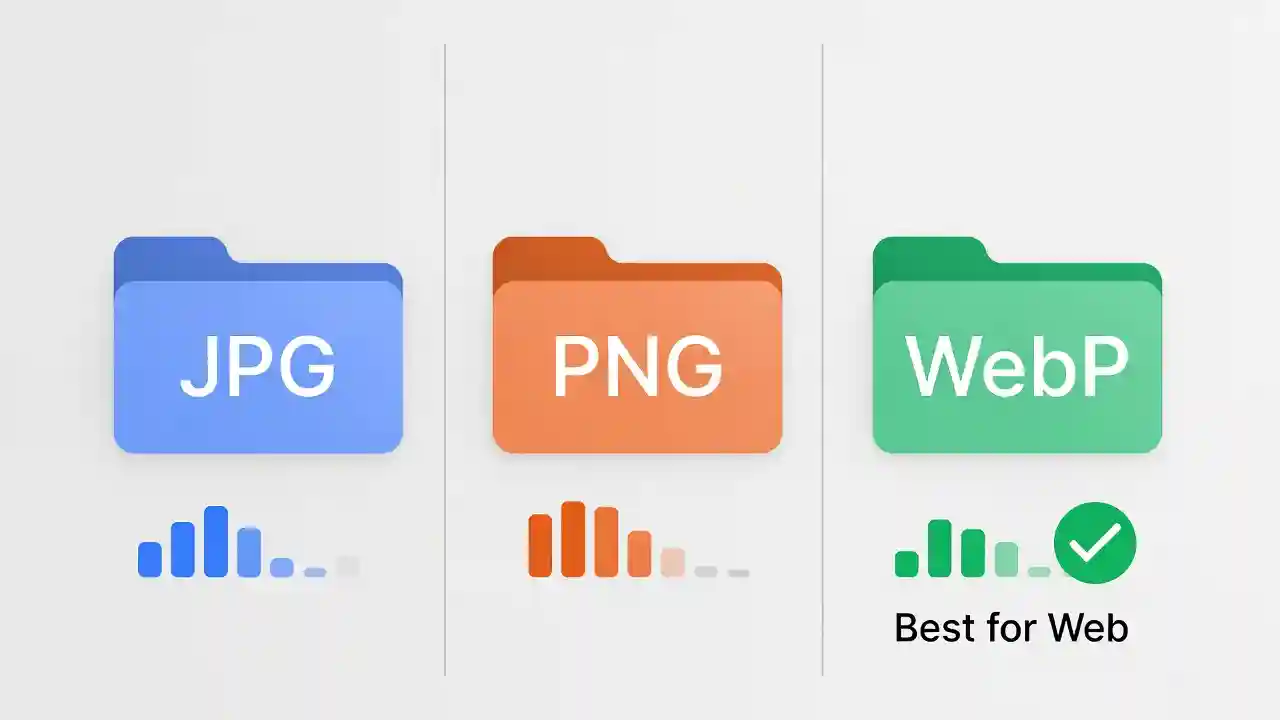
Choosing the right image format is one of the most underrated aspects of web performance. Each format — JPG, PNG, WebP, and AVIF — has its own strengths and weaknesses.
JPG (JPEG)
JPG is one of the most widely used formats for photographs and complex images with gradients. It uses lossy compression, which means some image data is discarded to reduce file size. JPG is ideal for photos but not for images requiring transparency or sharp edges (like logos and icons).
PNG
PNG supports transparency and lossless compression, making it perfect for logos, icons, and graphics with text. However, PNG files are typically much larger than JPG files for photographic content, which can slow down page load times if used incorrectly.
If you need to switch between these formats depending on your use case, tools like the JPG → PNG Converter and PNG → JPG Converter make the process quick and hassle-free.
WebP and AVIF: The Modern Standard
WebP, developed by Google, offers superior compression compared to JPG and PNG while maintaining similar or better visual quality. Studies have shown WebP images can be 25-35% smaller than equivalent JPG files. AVIF, a newer format, offers even greater compression but has slightly less universal browser support.
Converting your existing JPG images to WebP is one of the easiest ways to immediately improve page speed. You can use a dedicated JPG → WebP Converter to quickly transform your image library into a more efficient format without sacrificing quality.
Best Practices for Optimizing Images Without Losing Quality
Optimizing images doesn’t mean sacrificing visual fidelity. Here’s how to strike the right balance.
Compression: Lossy vs. Lossless
- Lossy compression removes some data permanently, resulting in smaller files but slightly reduced quality. Best for photographs and background images.
- Lossless compression reduces file size without any quality loss, ideal for graphics, logos, and screenshots.
Resizing Images to Fit Display Dimensions
One of the most common mistakes is uploading a 4000px-wide image and displaying it at 800px on the page. The browser still downloads the full-resolution file, wasting bandwidth. Always resize images to match their maximum display dimensions before uploading.
Implementing Lazy Loading
Lazy loading defers the loading of images until they’re about to enter the viewport. This technique significantly improves initial page load times, especially for content-heavy pages like blogs, portfolios, and e-commerce category pages.
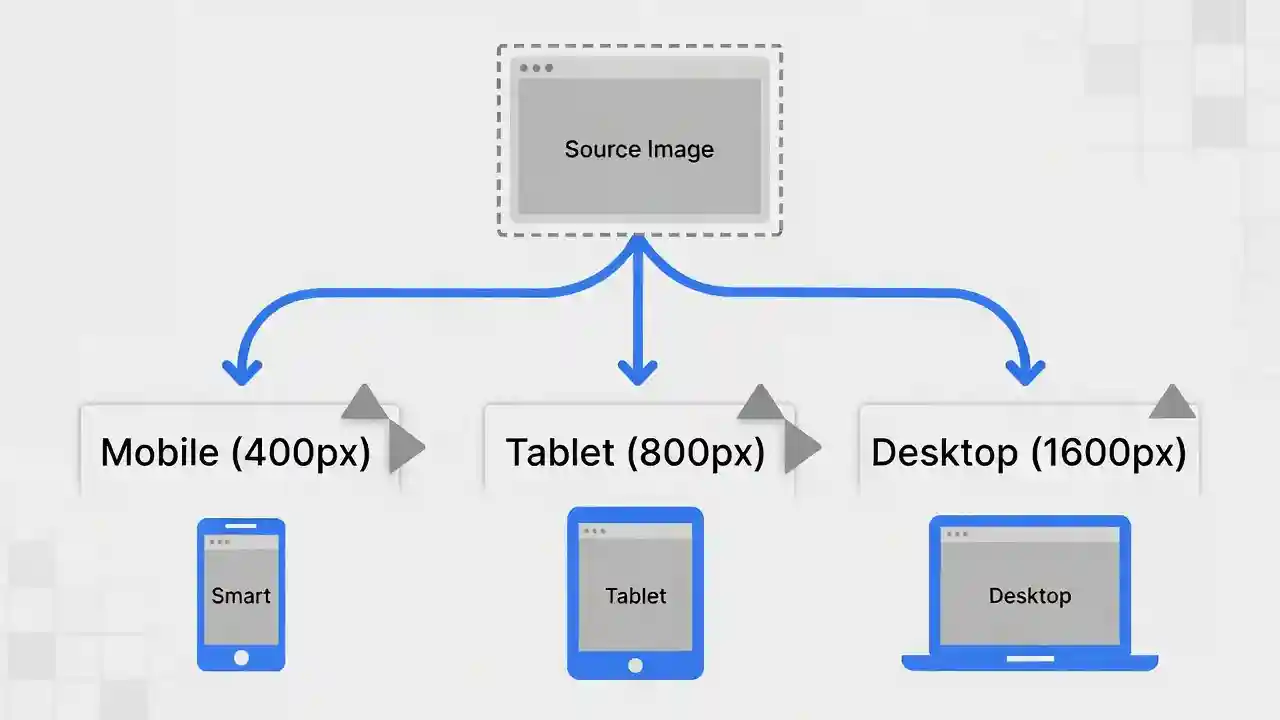
Using Responsive Images with srcset
The srcset attribute allows browsers to choose the most appropriate image size based on the user’s device and screen resolution, preventing desktop users from downloading unnecessarily large images on mobile devices, and vice versa.
Converting Between Formats for Specific Use Cases
Sometimes you’ll need to convert images between formats depending on platform requirements — for example, converting a PNG with transparency to JPG for email marketing, or vice versa. If you’re unsure how to do this correctly while preserving quality, check out our detailed How to Convert PNG to JPG Guide for step-by-step instructions.
Why Optimized Images Improve Page Speed on Mobile Devices
Mobile users now account for the majority of global web traffic, and mobile networks are often slower and less stable than broadband connections. This makes image optimization even more critical for mobile performance.
Data Consumption and User Experience
Large, unoptimized images consume more mobile data, which can be costly for users on limited data plans. Slow-loading images on mobile devices also lead to higher abandonment rates, particularly for e-commerce sites where product images are central to the shopping experience.
Mobile-First Indexing
Google primarily uses the mobile version of a website for indexing and ranking. If your mobile pages load slowly due to oversized images, it directly impacts how your entire site is evaluated and ranked — not just on mobile search results, but across the board.
Adaptive Image Delivery
Modern image optimization techniques include adaptive delivery, where servers automatically detect the user’s device type, screen size, and network speed, then serve the most appropriately sized and formatted image. This ensures mobile users receive smaller WebP or AVIF images, while desktop users with faster connections may receive higher-resolution versions.
Tools You Can Use to Optimize Images
There’s no need to manually compress and convert every image using complex software. Several free and easy-to-use online tools can handle this for you efficiently.
Format Conversion Tools
Converting images between formats is often the first step in optimization. Whether you’re moving from PNG to JPG for smaller file sizes, or from JPG to modern formats like WebP for better compression, having reliable converters on hand saves time and ensures consistency across your media library.
Compression and Resizing Tools
Beyond format conversion, dedicated compression tools can reduce file sizes by stripping unnecessary metadata, optimizing color profiles, and applying smart compression algorithms tailored to each image type.
Automation and Workflow Integration
For larger websites, integrating image optimization into your content management system (CMS) or build pipeline ensures every uploaded image is automatically compressed and converted to the most efficient format, removing the need for manual intervention.
Conclusion
Page speed is no longer just a technical detail — it’s a fundamental component of user experience and search engine optimization. As we’ve explored throughout this article, optimized images improve page speed by reducing file sizes, improving rendering efficiency, supporting better Core Web Vitals scores, and enhancing the overall mobile experience.
Whether you’re a blogger, an e-commerce store owner, or a web developer, taking the time to compress, resize, and convert your images into modern formats like WebP can yield significant improvements in load times, search rankings, and user satisfaction. With accessible tools like format converters and compression utilities readily available, there’s no reason to let oversized images hold your website back.
Start by auditing your current image library, identifying oversized or outdated formats, and implementing the best practices outlined above. The results — faster load times, better rankings, and happier visitors — are well worth the effort.
FAQs
- How much can image optimization improve page speed?
Depending on the original file sizes and formats, image optimization can reduce page load times by 30-70%, particularly on image-heavy pages. - Does converting images to WebP really make a difference?
Yes. WebP images are typically 25-35% smaller than equivalent JPG or PNG files while maintaining similar visual quality, making it one of the most effective optimization techniques. - Will compressing images reduce their quality noticeably?
Not if done correctly. Using appropriate compression levels (especially lossless or moderate lossy compression) results in minimal, often imperceptible, quality differences. - Is image optimization a one-time task?
No. Image optimization should be an ongoing part of your content workflow, especially as you continue adding new images to your website. - Does image optimization affect SEO directly?
While image optimization itself isn’t a direct ranking factor, its impact on page speed and Core Web Vitals — which are confirmed ranking factors — makes it an important indirect SEO consideration.