Summary: Online tools are web-based software applications that run directly in your browser without requiring downloads or installations, enabling users to complete tasks ranging from document editing and image design to project management and data analysis. This beginner’s guide explores what online tools are, how they work, the different types available, their advantages over traditional software, and how to choose the right ones for your personal or professional needs — making digital work faster, more accessible, and more collaborative than ever before.
Outline
- Introduction to Online Tools
- How Do Online Tools Work?
- Types of Online Tools
- Benefits of Using Online Tools
- Limitations of Online Tools
- Free vs. Paid Online Tools
- How to Choose the Right Online Tool
- Best Practices for Using Online Tools Safely
- Online Tools vs. Traditional Software — A Comparison
- Future of Online Tools — AI, Automation, and Beyond
- Frequently Asked Questions (FAQs)
- Conclusion
1. Introduction to Online Tools
Definition of Online Tools
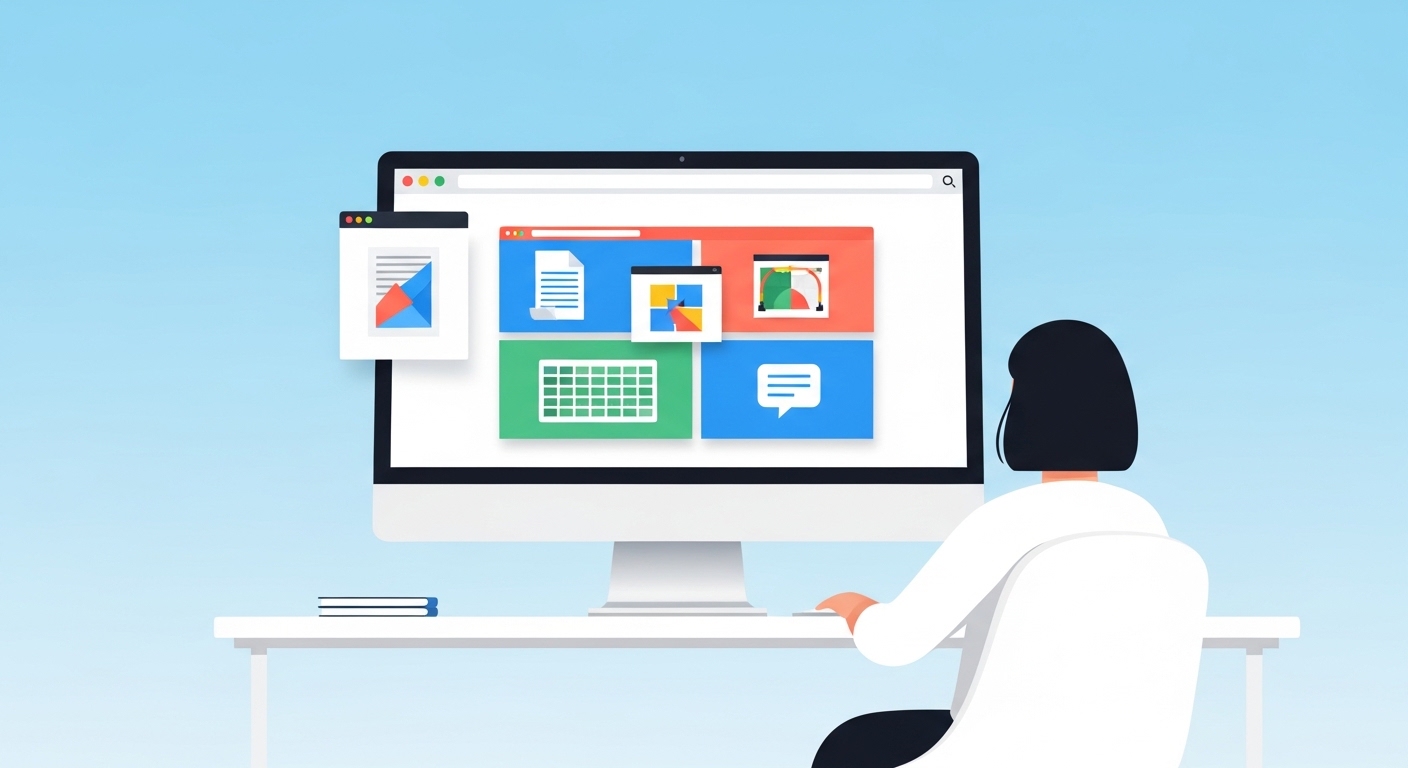
Online tools are software programs or applications that operate entirely through a web browser, requiring no download, installation, or local storage on your device. You access them by visiting a website URL, and the tool runs in real time using the power of remote servers and cloud infrastructure.
In the simplest terms, if you open your browser, go to a website, and use it to resize an image, generate a random paragraph, or convert a PDF — you’re using an online tool. These tools are also widely referred to as web-based tools, browser-based tools, cloud tools, or internet tools in everyday language.
Common examples include Google Docs (for writing), Canva (for design), Trello (for project management), and hundreds of niche utilities that solve very specific micro-tasks.
How Online Tools Differ From Desktop Software
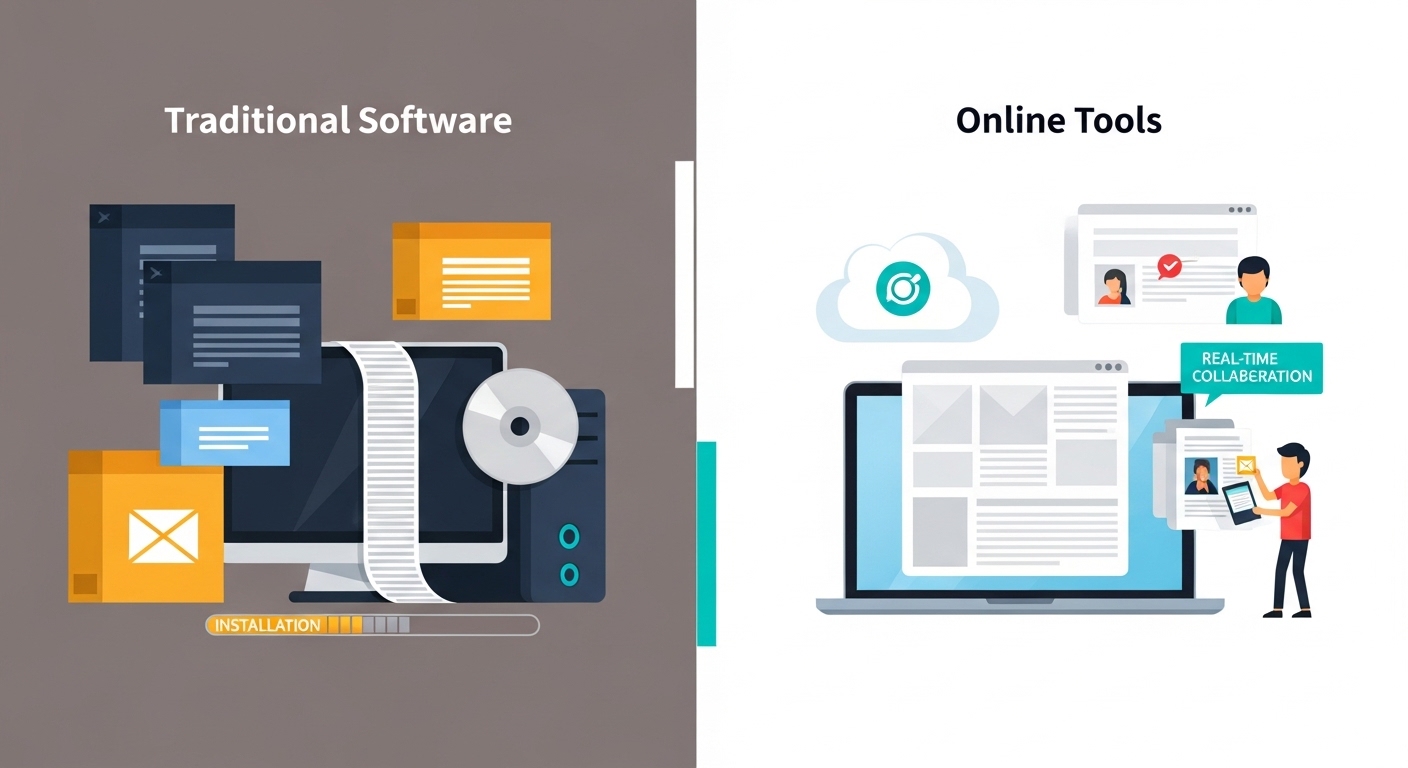
Traditional desktop software — like Microsoft Word, Adobe Photoshop, or older versions of Excel — must be downloaded and installed on your computer. They use your device’s processing power, hard drive, and memory. If your license expires or your computer crashes, your access and data can be at risk.
Online tools flip this model. They live on the internet. Your browser becomes the interface, and the processing often happens on remote servers. Here’s a simple comparison:
| Feature | Desktop Software | Online Tools |
| Installation | Required | Not required |
| Updates | Manual | Automatic |
| Device dependency | High | Low |
| Collaboration | Limited | Real-time |
| Cost | Often one-time or subscription | Often free or low-cost |
| Internet needed | Not always | Usually yes |
A Brief History of Web-Based Tools
Web-based tools began emerging in the early 2000s alongside the rise of broadband internet. The launch of Google Docs in 2006 was a landmark moment, proving that professional-grade productivity applications could run entirely in a browser. As HTML5, JavaScript frameworks, and cloud computing matured through the 2010s, developers began building increasingly powerful tools that could rival desktop applications in both speed and functionality.
Today, in the mid-2020s, billions of people use online tools daily — for school, remote work, freelancing, content creation, and personal projects.
2. How Do Online Tools Work?
Cloud Computing and Browser-Based Technology
Online tools are powered by cloud computing, which means the actual computing processes happen on remote servers hosted by companies like Amazon (AWS), Google Cloud, or Microsoft Azure. When you use an online tool, your browser sends requests to these servers, which process the data and send the output back to your screen in milliseconds.
Modern browsers use technologies like HTML5, CSS3, JavaScript, and WebAssembly to render complex interfaces and interactive features without needing any plugin or software installation.
Internet Connectivity and Data Storage
Most online tools require a stable internet connection because your files, settings, and outputs are stored in the cloud — on the tool provider’s servers — rather than on your local device. Some tools, like Google Chrome apps or Progressive Web Apps (PWAs), offer partial offline functionality by caching data locally.
Your data is typically stored in data centers with redundant backups, meaning it’s often safer from hardware failure than files stored only on a single laptop or hard drive.
SaaS vs. Web Apps — What’s the Difference?
You may encounter the term SaaS (Software as a Service) when reading about online tools. SaaS refers to subscription-based online software delivered over the internet — think Slack, Zoom, or Adobe Creative Cloud. A web app is a broader term for any application accessed through a browser.
All SaaS products are web apps, but not all web apps are SaaS. A free, no-login text counter on a website is a web app but not SaaS. Both fall under the umbrella of “online tools.”
3. Types of Online Tools
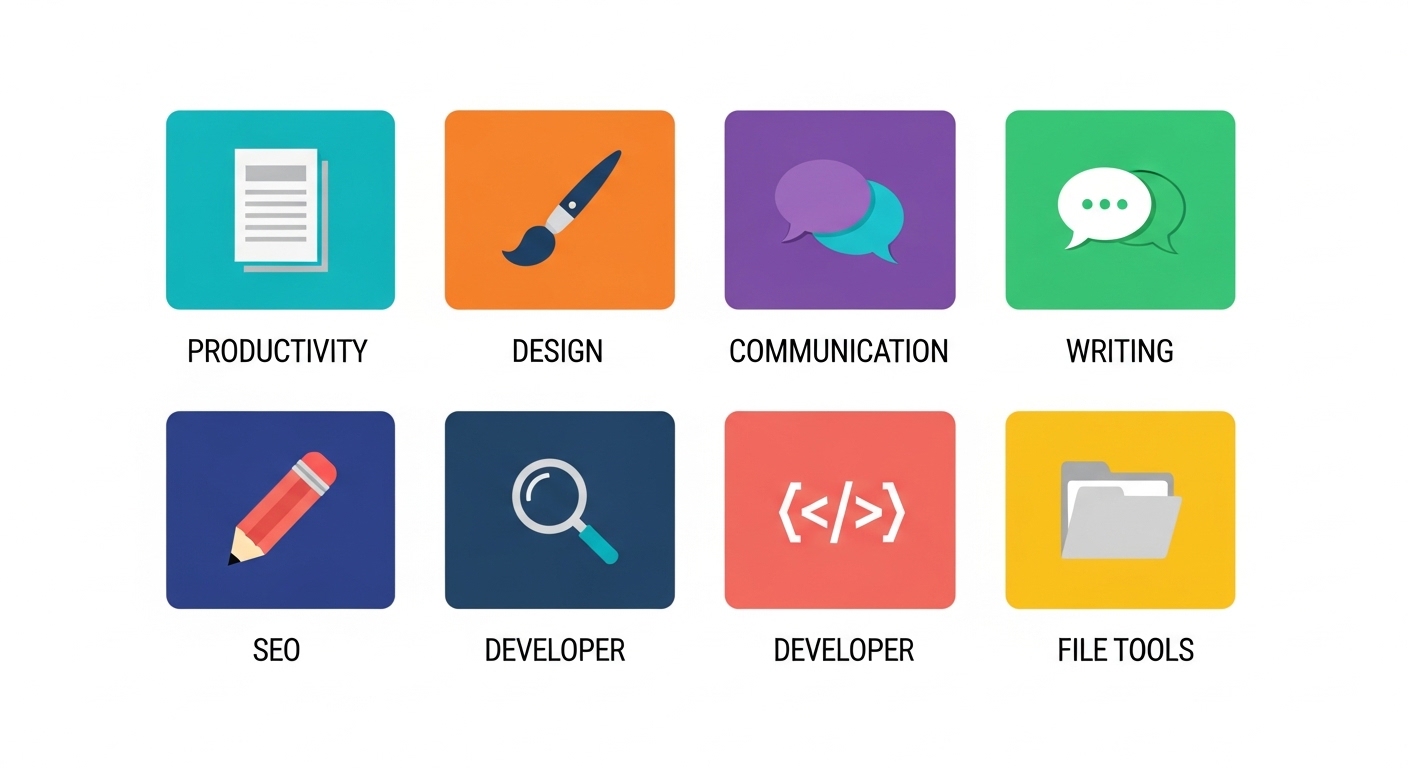
Online tools span dozens of categories. Below are the most important types every beginner should know about.
Productivity and Office Tools
These are designed to replace or complement traditional office software. They include word processors, spreadsheet editors, presentation makers, to-do list apps, and calendar managers.
Examples: Google Docs, Google Sheets, Notion, Zoho Office, Microsoft 365 Online
If you’re looking to move away from paid office suites, check out this guide on the best free alternatives to Microsoft Office tools — it covers powerful browser-based options for documents, spreadsheets, and presentations without spending a dollar.
Design and Creative Tools
Online design tools allow users — even those with zero design experience — to create graphics, logos, social media posts, videos, and more.
Examples: Canva, Adobe Express, Figma, Crello, VistaCreate
These tools often come with thousands of pre-built templates, drag-and-drop interfaces, and stock image libraries, making professional-looking design accessible to everyone.
Communication and Collaboration Tools
These tools facilitate teamwork, meetings, messaging, and file sharing — especially important in the era of remote and hybrid work.
Examples: Slack, Microsoft Teams, Zoom, Google Meet, Asana, Basecamp
They integrate messaging, video calling, task assignment, and file sharing into a single browser-accessible workspace.
Text and Writing Tools
Text-based online tools cover everything from grammar checking and paraphrasing to content generation and word counting. Writers, students, bloggers, and marketers use these constantly.
Examples: Grammarly, Hemingway Editor, QuillBot, WordCounter
One handy utility worth bookmarking is the Free Online Random Text Generator — perfect for generating placeholder text, testing layouts, or filling dummy content in web design projects.
SEO and Digital Marketing Tools
These tools help businesses and content creators optimize their online presence, research keywords, analyze competitors, and track website performance.
Examples: Google Search Console, Ubersuggest, Ahrefs (web version), SEMrush, Moz
They are essential for bloggers, e-commerce store owners, digital marketers, and SEO professionals.
Developer and Coding Tools
Developers use online tools for writing, testing, and debugging code without needing a full local development environment.
Examples: CodePen, JSFiddle, Replit, GitHub Codespaces, JSON Formatter tools
These are especially useful for beginners learning to code, or professionals who need to quickly prototype or share code snippets.
File Conversion and Management Tools
These tools convert files between formats (PDF to Word, JPG to PNG, MP4 to MP3, etc.) or help manage, compress, merge, and organize files.
Examples: SmallPDF, ILovePDF, Convertio, CloudConvert, TinyPNG
They’re practical utilities that save time and eliminate the need for heavy desktop software just to perform a simple file operation.
4. Benefits of Using Online Tools
No Installation Required
The most immediate benefit is zero friction to getting started. You don’t need to download a 2GB installer, wait for setup wizards, or worry about system compatibility. Open a browser, visit the URL, and start working.
Cross-Device Accessibility
Online tools work on virtually any device with a browser — Windows PCs, Macs, Chromebooks, tablets, and smartphones. Your work is accessible from anywhere in the world, whether you’re at home, in a coffee shop, or traveling internationally.
Real-Time Collaboration
Multiple users can work on the same document, project, or canvas simultaneously. Google Docs, for example, lets you see collaborators’ cursors and edits in real time. This eliminates the clunky email-attachment workflow that plagued traditional software.
Cost Effectiveness
A huge proportion of online tools are completely free, supported by freemium models or advertising. Even premium plans are typically far cheaper than purchasing traditional software licenses. For individuals and small businesses, this dramatically lowers the barrier to accessing professional-grade capabilities.
Automatic Updates
Because online tools are hosted on servers, they’re updated by the developers centrally. You always use the latest version without ever clicking “update” or managing patches yourself.
5. Limitations of Online Tools
Internet Dependency
The core limitation is obvious: most online tools require an internet connection. If your connection drops, you may lose access to your work mid-session. For users in areas with unreliable internet infrastructure, this is a significant concern.
Data Privacy Concerns
When you upload a file or document to an online tool, your data passes through a third-party server. For sensitive personal, financial, or medical information, this raises legitimate privacy questions. Always read the tool’s privacy policy before uploading anything confidential.
Limited Offline Functionality
While some tools offer offline modes through PWA technology, most online tools cannot function at all without connectivity. Desktop software still holds the advantage for users who frequently work in locations without reliable internet.
6. Free vs. Paid Online Tools
What Do Free Tools Offer?
Free online tools typically offer core functionality at no cost, funded by advertising, limited usage quotas, or freemium upsells. For most casual users — students, hobbyists, or small business owners — the free tier is often sufficient to get meaningful work done.
Free tools generally include: basic features, limited storage, watermarked exports, or usage caps (e.g., 5 conversions per day).
When Should You Upgrade to Paid?
You should consider a paid plan when:
- You need higher usage limits or storage capacity
- You require advanced features (batch processing, API access, priority support)
- You’re using the tool professionally and need to remove watermarks or branding
- You need team collaboration features with admin controls
- Data security and compliance guarantees are a priority for your organization
Paid plans range from a few dollars per month for individual tools to enterprise pricing for platforms serving large teams.
7. How to Choose the Right Online Tool
Identify Your Task or Goal
Start by being specific about what you need to accomplish. “I want to edit images” is too broad — do you need to resize, remove backgrounds, add text, or apply filters? Narrowing your goal helps you find purpose-built tools that do one thing exceptionally well rather than mediocre all-in-one platforms.
Check Compatibility and Integration
Does the tool work well with the other software you use? For example, if your team uses Slack, look for tools that integrate with it. If you work primarily in Google Workspace, tools in the Google ecosystem will feel seamless. Check whether the tool supports the file formats you work with.
Read User Reviews and Ratings
Platforms like G2, Trustpilot, Capterra, and Product Hunt host authentic user reviews of online tools. Pay attention to comments about reliability, customer support, and whether the free version is genuinely useful or a heavily crippled teaser.
According to G2’s software review platform, user-generated reviews and peer comparisons are among the most trusted methods for evaluating SaaS products before committing to a subscription — especially for business use.
8. Best Practices for Using Online Tools Safely
Use Strong Passwords
Always create a unique, strong password for each online tool account. Use a password manager (like Bitwarden or 1Password) to keep track of credentials securely. Enable two-factor authentication (2FA) wherever available.
Check Privacy Policies
Before uploading any file or creating an account, skim the tool’s privacy policy. Key questions: Does the platform sell your data? Do they store your files permanently? Can you delete your account and all associated data?
Avoid Uploading Sensitive Data on Unknown Platforms
For little-known tools with no clear company behind them, avoid uploading documents containing personal identification information, financial data, passwords, medical records, or confidential business information. When in doubt, use a trusted, well-reviewed platform.
9. Online Tools vs. Traditional Software — A Comparison
| Criteria | Online Tools | Traditional Software |
| Setup time | Seconds | Minutes to hours |
| Cost | Often free or low | Often high upfront |
| Performance | Browser-dependent | Full system resources |
| Collaboration | Built-in real-time | Requires workarounds |
| Offline use | Limited | Full |
| Storage | Cloud (provider’s servers) | Local or personal cloud |
| Security | Depends on the provider | Depends on the user’s system |
| Updates | Automatic | Manual or auto |
| Customization | Usually limited | Highly customizable |
Neither option is universally superior. Power users who need advanced features, offline access, and deep customization may still prefer desktop software. For the majority of everyday tasks, however, online tools offer a faster, more affordable, and more collaborative alternative.
10. Future of Online Tools — AI, Automation, and Beyond

The landscape of online tools is undergoing rapid transformation driven by artificial intelligence (AI), machine learning, and automation. What once required skilled professionals — writing, graphic design, code generation, video editing — is increasingly being democratized by AI-powered web tools.
Key trends shaping the future of online tools include:
AI-Powered Writing and Content Tools: Platforms now offer real-time grammar correction, tone adjustment, summarization, and full content generation powered by large language models (LLMs). These tools are becoming indispensable for marketers, bloggers, and businesses.
No-Code and Low-Code Platforms: Online tools like Webflow, Bubble, and Glide are empowering non-developers to build websites and apps entirely through drag-and-drop browser interfaces — removing the coding barrier entirely.
Automation and Workflow Integration: Tools like Zapier and Make (formerly Integromat) connect hundreds of online tools together, allowing automated workflows that trigger actions across platforms without any human intervention.
Progressive Web Apps (PWAs): The gap between online tools and native apps is shrinking. PWAs can be installed to your home screen, work offline, and send push notifications — blurring the line between web tools and traditional software.
Collaborative AI Workspaces: Platforms are building AI co-pilots directly into collaborative tools — imagine an AI assistant embedded in your project management board, automatically reassigning tasks, summarizing meeting notes, and flagging bottlenecks.
By 2030, analysts predict that the majority of professional knowledge work will be conducted primarily through online platforms, with AI serving as an embedded assistant across virtually every category of web tool.
11. Frequently Asked Questions (FAQs)
Q: Are online tools safe to use? Most reputable online tools from established companies are safe. Always check privacy policies, use strong passwords, and avoid uploading sensitive personal data to unknown platforms.
Q: Do online tools work on mobile phones? Yes. Most modern online tools are mobile-responsive or have dedicated mobile apps. Some advanced features may be limited on smaller screens.
Q: Can I use online tools without creating an account? Many basic online tools — especially file converters, text utilities, and calculators — work without requiring registration. More advanced tools that save your data or offer personalization typically require a free account.
Q: Are free online tools as good as paid software? For basic tasks, absolutely. Free tools like Google Docs, Canva Free, and Trello cover most everyday needs. For professional-grade features, batch processing, or enterprise requirements, paid versions are usually necessary.
Q: What is the difference between a web app and an online tool? The terms are often used interchangeably. “Web app” is technically broader and refers to any browser-based application. “Online tool” typically implies a utility focused on a specific task (converting a file, generating text, analyzing data). All online tools are web apps, but not all web apps are called tools.
Q: Do I need to install anything to use online tools? No. This is one of their defining advantages. A modern web browser (Chrome, Firefox, Edge, Safari) is all you need.
12. Conclusion
Online tools have fundamentally changed the way individuals and organizations work, create, and collaborate. From free text utilities and image editors to enterprise-grade project management platforms, the ecosystem of browser-based tools is vast, constantly growing, and increasingly powered by artificial intelligence.
Whether you’re a student, freelancer, small business owner, or corporate professional, there’s an online tool designed specifically to make your workflow more efficient. The key is knowing what types exist, understanding their benefits and limitations, and developing the habit of choosing purpose-built tools that genuinely match your needs.
As cloud technology, AI, and automation continue to evolve, online tools will only become more powerful, more accessible, and more deeply woven into every aspect of digital life. Now is the perfect time to explore what’s available — and most of it is completely free to start.
